Getting notifications about changes in a calendar
It is possible to get a notification email every time an event is changed, modified or deleted in a
shared calendar (it works only for shared calendars, i.e. calendars that are listed under “Other calendars” and the calendar has to be shared as "read-only" with you). To activate this feature in Google Calendar, open http://calendar.google.com on your computer, click on the gear icon at the top, select "Settings" and then click on the shared calendar’s name on the left side. On the right side you should see a section "General notifications" where you can configure the notifications for that calendar:
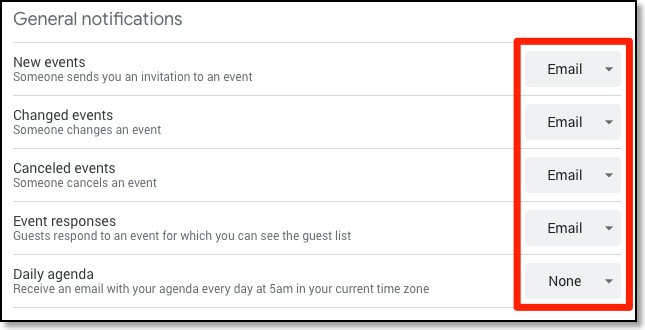
If the calendar is not read-only
As mentioned above it works only for calendars that you do not own, i.e. that were only shared with read permission with you. Getting notifications for a calendar for which you have write permissions is only possible via a workaround: You could create a new Google account and share that calendar as read-only with that account. Turn the change notifications on in the Google Calendar of that new account and forward the notification emails from the GMail web page of that new account to your normal email address.
Displaying recent changes
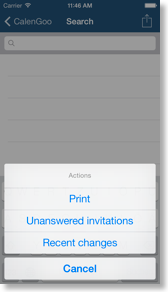
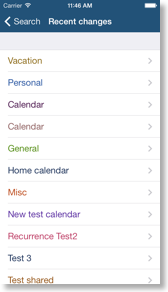
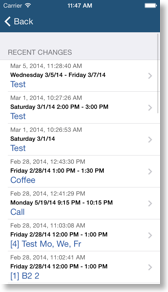
If you would like to see in CalenGoo, which events were recently changed in a calendar, you can find this function in the search view. However it can only display the changes of Google calendars. Just tap the magnifying glass symbol in the lower right corner to open the search view. Then tap the action button in the upper right corner and choose "Recent changes". Choose the calendar that you would like to see. Afterward it will show you which events of that calendar were modified recently and when they were modified: